The short answer
To set out of office in Slack, click your profile picture, click Update your status, enter a status like “On vacation until Monday”, choose when it clears under Remove status after, and check Pause notifications so Slack stays quiet until it clears. On Enterprise plans you can pick the ⛔ Out of office status instead.
How to set a vacation status in Slack
On desktop
- Click your profile picture in the sidebar.
- Click the Update your status field.
- Type your status and pick an emoji, or choose a suggested status.
- Under Remove status after, choose when it should clear, such as the day you’re back.
- Check Pause notifications to turn off notifications until your status clears.
- Click Save.
On iPhone
- Tap your profile picture, then tap the status field.
- Enter a status and tap the emoji icon if you want one.
- Tap Clear after and choose when it should clear, then tap Done.
The pause checkbox is documented for desktop. On iPhone, pause separately: tap your profile picture, tap Pause notifications, then tap Custom to set your own time frame.
What to write: the date you’re back and who to ask instead. “On vacation until Mon 14th. For billing, ask Priya.” saves everyone a DM. For the emoji, Slack’s own vacation guide suggests an airplane while you’re in flight and a palm tree once you’ve reached the beach.
Schedule your Slack status before you leave
If you’re the kind of person who forgets on the last day, set it a week early. Scheduled statuses turn on by themselves.
- On desktop, click your profile picture, then the Update your status field.
- Enter your status and emoji.
- From the Duration menu, click Choose a start and end time.
- Pick the start and end dates, then click Save.
Your scheduled statuses appear under Scheduled in the same menu, where you can edit or delete them before they start. Slack lets you schedule up to five at a time.
Slack’s out of office status (Enterprise plans)
On Enterprise plans, Slack has a dedicated out of office status that works more like an email auto-reply:
- A ⛔ emoji shows next to your name wherever people see it.
- If someone mentions you in a channel, they get a private message with your out of office details.
- Your status appears above the message field when someone opens a DM with you.
- If your workspace uses the Google Calendar or Outlook Calendar app for Slack, an out of office event on your calendar can set it for you.
To set it, click your profile picture, click Update your status, and choose ⛔ Out of office. Set when it clears, check Pause notifications if you want, add an out of office message, and click Save.
What your teammates see while you’re away
- Your status emoji next to your name, everywhere it appears. They can read the full status on your profile, or by hovering over the emoji on desktop.
- A snooze icon while your notifications are paused.
- Your availability. You show as away once Slack has been closed or idle. You can also set yourself as away by hand from your profile menu, which tells people not to expect a quick reply even if you open the app once.
One catch: a paused status isn’t a wall. When someone sends you a DM while you’re paused, they can choose to notify you anyway about something urgent, once per day. Here’s what notify anyway means in Slack, and how a VIP list can make it unnecessary.
Before you leave, and when you get back
A few minutes on your last afternoon makes the first morning back much lighter.
- Set reminders for your return. Hover over a message you’ll need to deal with, click the three dots icon, and select Remind me about this. Slack brings it back when you choose, not while you’re away.
- Hand things off in the open. Share files and decisions in channels before you go, so your team isn’t waiting on your DMs.
- Catch up from Activity. When you’re back, filter Activity to Mentions or DMs first, and only then read channels. On iPhone, Catch up on the Home tab lets you swipe through what you missed and mark it read.
On Enterprise plans, your out of office message is only visible to people in your organization, even when external partners can see your status.
Pair your Slack status with a block that ends when you’re back
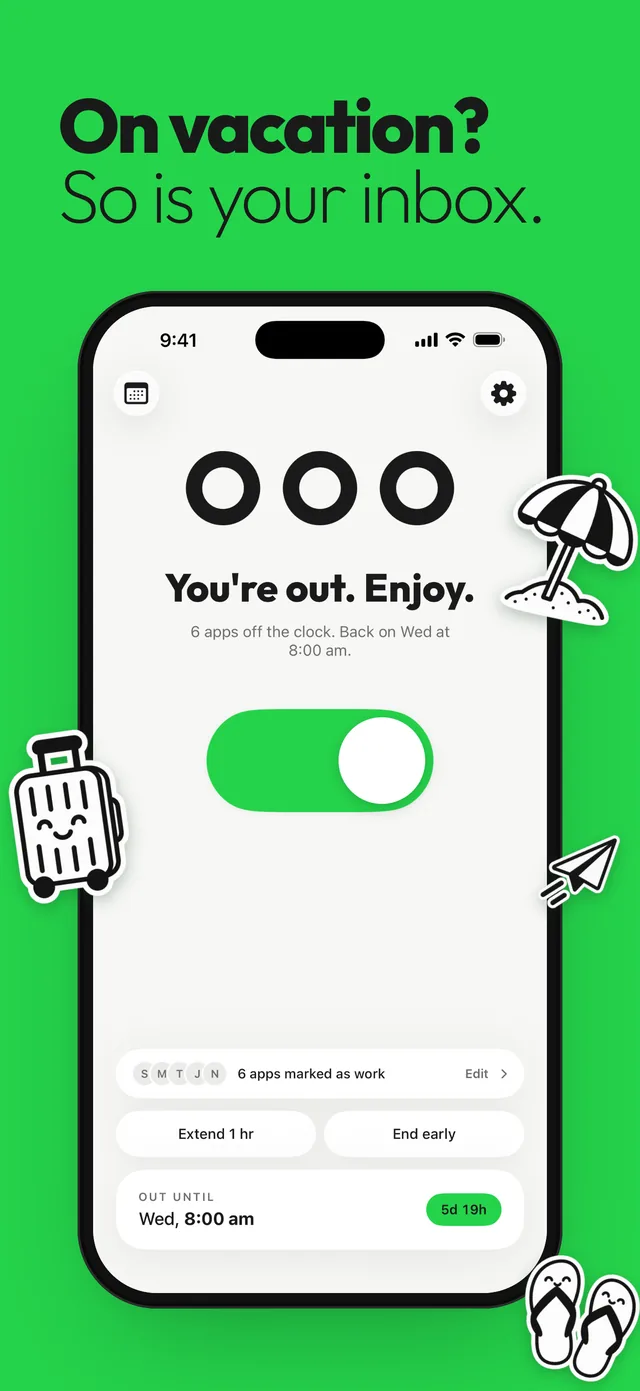
The status handles your team. The pause handles notifications. The gap left is you, and Slack sitting on your Home Screen all week. If your status ends before you’re ready, see how to turn off pause notifications in Slack to adjust the pause, and for your everyday evenings, set up a Slack notification schedule. Taking email with you too? Here’s how to turn off work email on vacation.
Questions
How do I set out of office in Slack?
Click your profile picture, click Update your status, enter a status, choose when it clears, and check Pause notifications. On Enterprise plans, choose the Out of office status instead.
Can Slack send an automatic out of office reply?
On Enterprise plans, the out of office status sends people who mention you in a channel a private message with your details. On other plans, a status with an end date is the closest option.
How do I pause Slack notifications while on vacation?
When you set your status on desktop, check Pause notifications and Slack stays quiet until the status clears. On iPhone, tap your profile picture, then Pause notifications, then Custom.
Can I schedule a Slack status in advance?
Yes. On desktop, choose Choose a start and end time from the Duration menu when you set your status. You can schedule up to five at a time.
Sources
Menu names change between app and iOS versions. These are the official pages, checked October 9, 2026.